Invite FUEGO to Your Apple Developer Account
Last updated: October 23, 2025
This article will walk you through the steps to invite FUEGO to your Apple Developer Account.
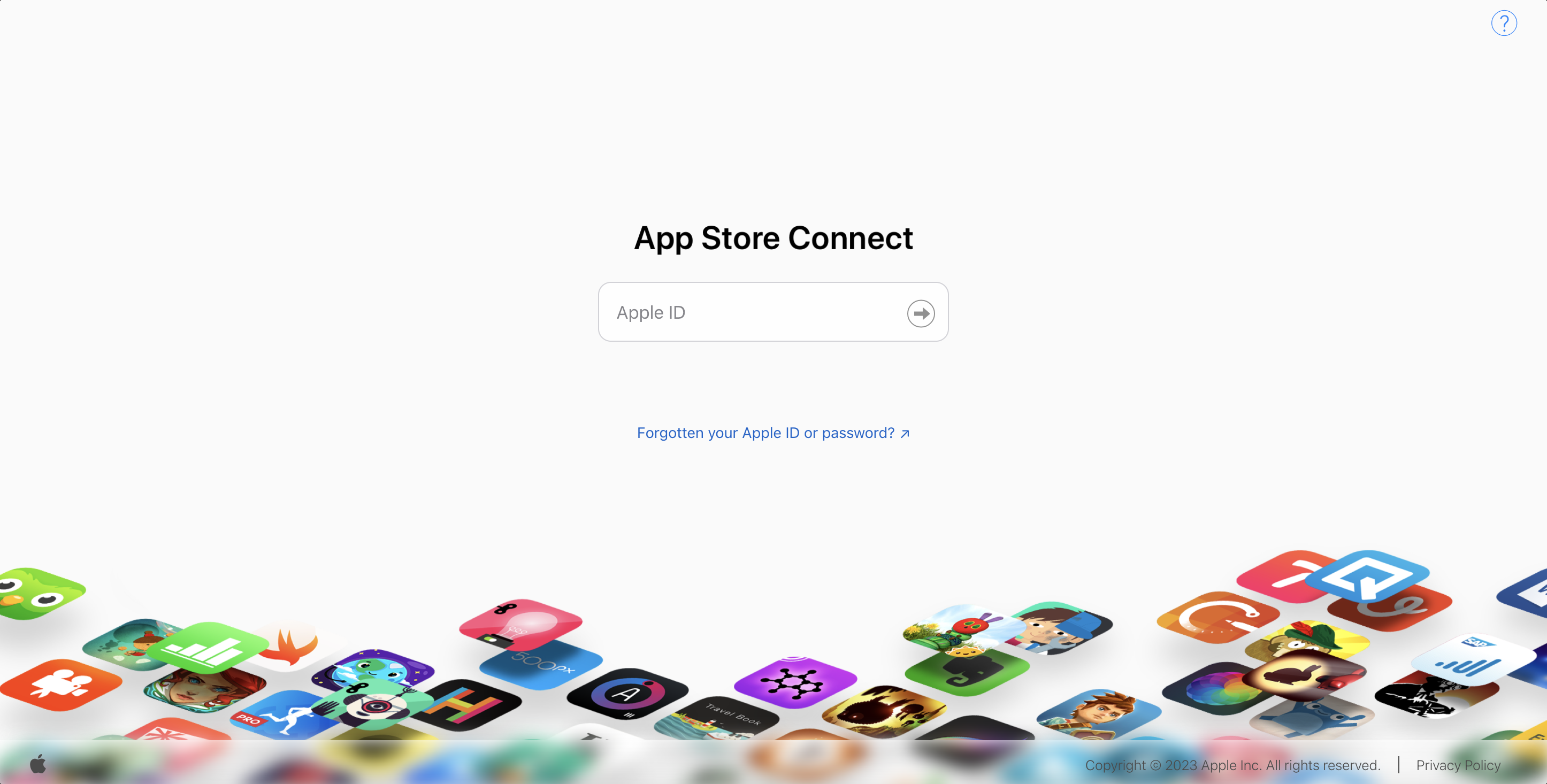
Step 1: Please navigate over to your App Store Connect account: https://appstoreconnect.apple.com/login
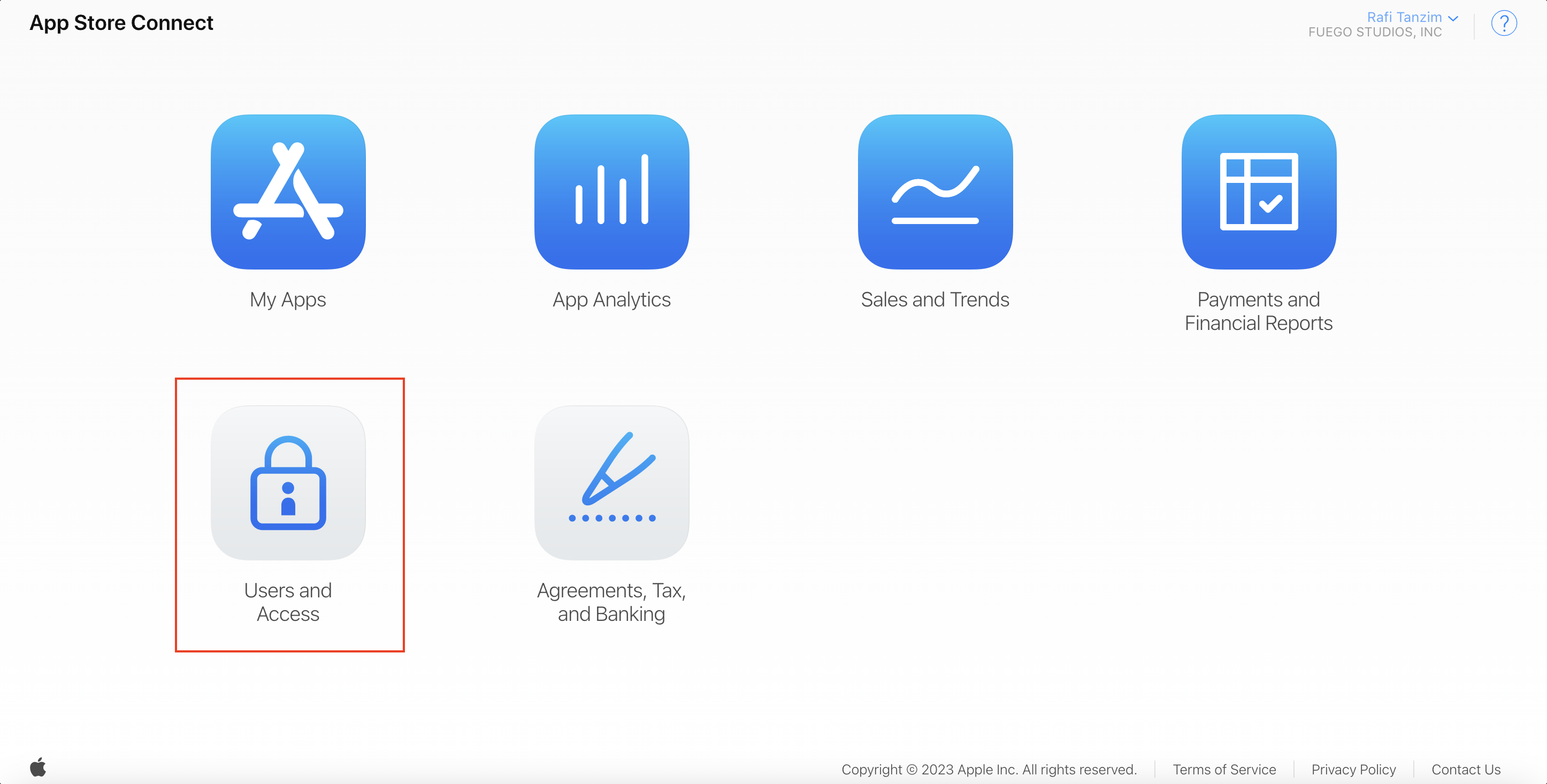
Step 2: Once you have logged in, select Users and Access
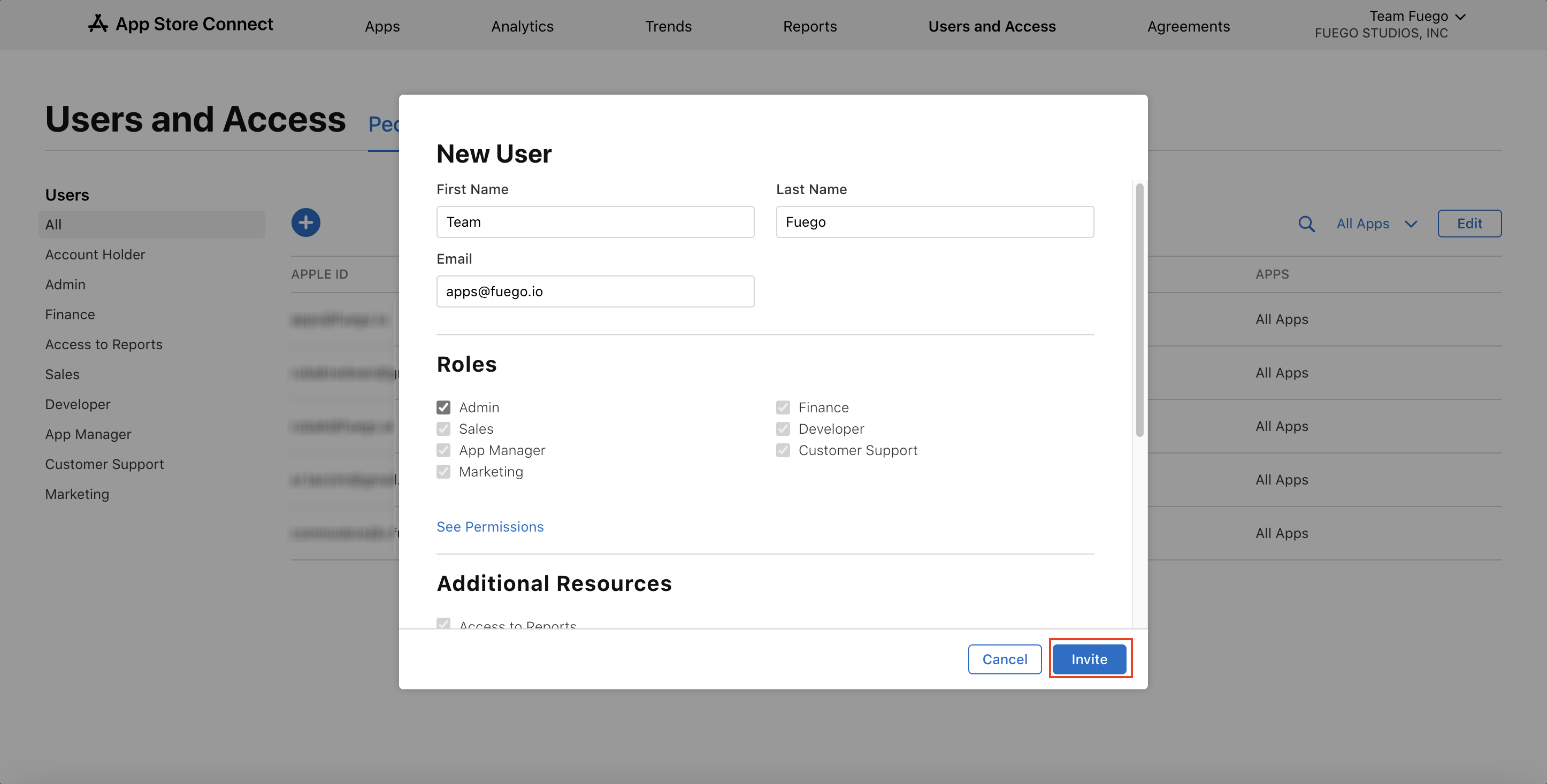
Step 3: Click on the blue "+" icon and fill out the following details:
First Name: Team
Last Name: Fuego
Email: apps@fuego.io
Roles: Admin
Additional Resources: ✅ Access to Cloud Managed Developer ID Certificate